

Waitlists are no longer one-size-fits-all with the option to customize Waiting List text. Event organizers can now personalize the message shown to participants whenever a waitlist is enabled.
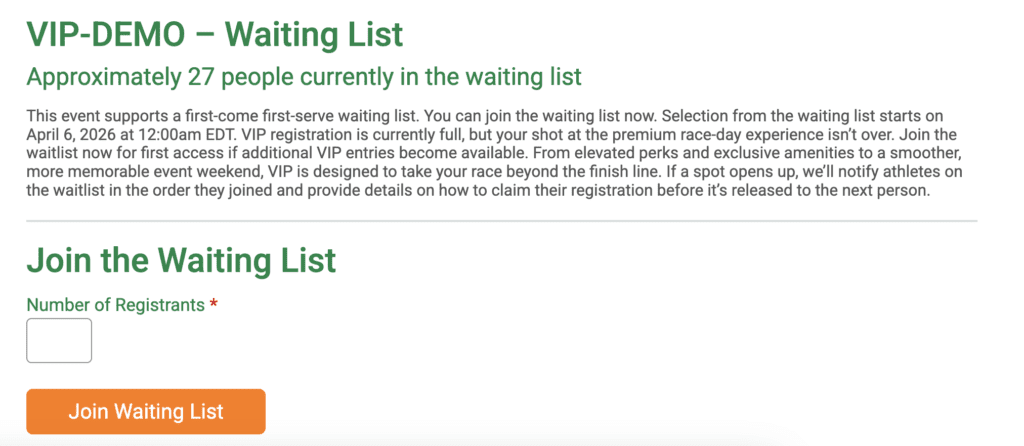
Waiting list text can be set and customized per event. Go to Participants >> Waitlist >> Waitlist Setup. There’s a new option to add description text to the Waiting List page.

That means each event can have its own voice, timing details, VIP positioning, or next-step instructions. It’s a simple update that gives organizers more control over the participant experience and makes waiting list pages clearer, more informative, and more on-brand.