
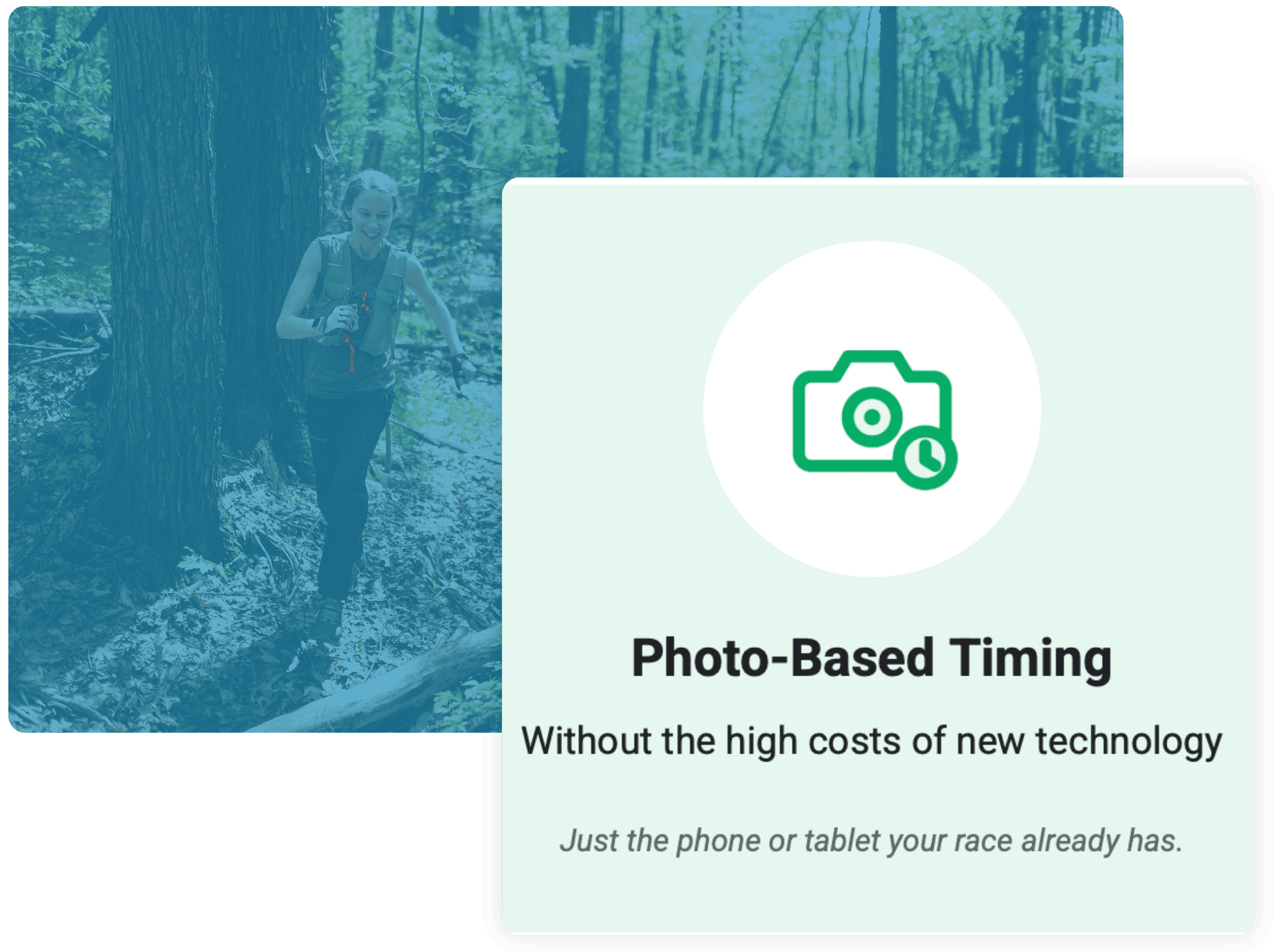
One Photo, Four Jobs
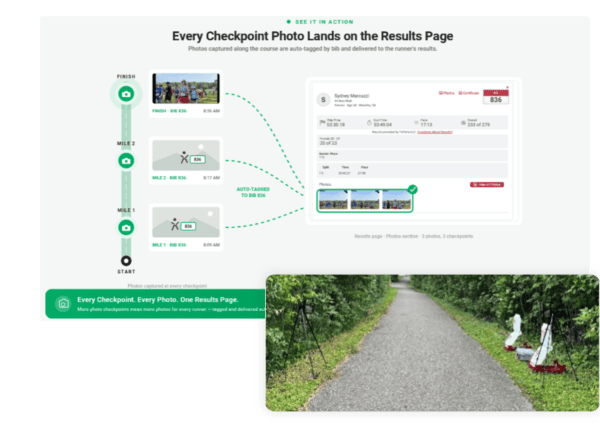
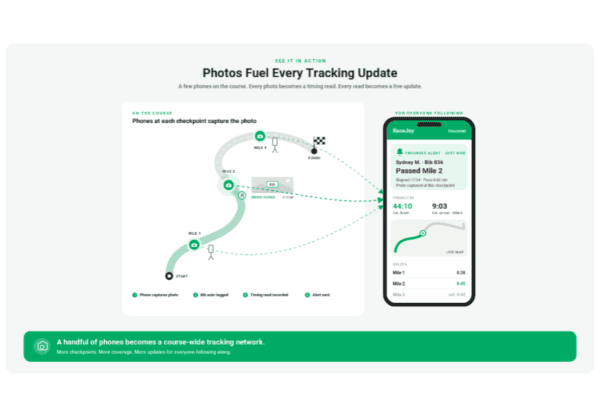
Every photo taken in the free RaceDay Mobile app is tagged with a bib number and a timestamp. That single photo becomes a shareable race memory, a timing read in RaceDay Scoring, a progress alert for friends and family, and a live tracking update in RaceJoy. The phones and tablets your team already has become a timing and tracking network that covers the whole course.
Timing Points Where You Never Had Them
Add mile splits and checkpoints on remote trails, at turnarounds or anywhere you can’t haul mats and antennas. All you need is a device and a tripod.
A Backup Layer for Your Chip Timing
Place devices next to your finish line or split mats. If a chip doesn’t read, a tagged photo confirms the runner passed and gives you a time to verify against.
More Tracking, More Engagement
Every photo point is another update for spectators. More points mean better RaceJoy tracking and more progress alerts for the people cheering at home.
Photos Participants Want to Share
Unlimited photos are linked to each participant’s results and delivered in near real time. Add a sponsor logo or watermark to every photo point for a new sponsorship opportunity.
Key Features of Photo-Based Timing and Tracking
- Bib-tagged, timestamped photos from the free RaceDay Mobile app become timing reads in RaceDay Scoring
- Reads arrive as their own stream, separate from your chip data, and appear within about 30 seconds
- Two runners in one photo each get their own read with the same timestamp
- Tagged incorrectly? Use Ignore Read in RaceDay Scoring or remove the tag from the photo


Built for Race Directors and Timers
Race directors get a better race experience on a small-race budget. Timers get new timing points and a backup layer without new hardware.
For Race Directors
Splits for Any Budget
Give runners mile splits and checkpoint updates without paying for more timing equipment. Use the phones and tablets you already own.
Perfect for Trail, Ultra, Remote Locations
Cover remote aid stations and turnarounds where timing equipment and power aren’t practical.
Happier Spectators
Friends and family follow runners live in RaceJoy and get alerts at every photo point.
Sponsor Asset
Put a sponsor’s logo on every photo from a checkpoint.
Ask your timer about adding a photo checkpoint.
For Timers
No New Hardware
Use the phones and tablets you already own, plus a tripod and a power bank.
New Timing Stream
Photo reads land in RaceDay Scoring as a separate stream, so your chip data stays clean. Use as backup to RFID reads.
Volunteer-Friendly
Give volunteers photos-only Dashboard access to run a photo point without full race access.
Add Value, Keep Races
Offer more splits and tracking than the competition at almost no added cost to you and at remote locations.
How it Works: Photo-Based Timing
1. RaceDay Mobile captures photos on course
A phone or tablet running RaceDay Mobile captures photos automatically at any point on the course.
2. Photos tagged by bib number
Photos upload and are tagged by the bib number on the runner’s chest. No facial recognition is used.
3. Tagged photos stream into RaceDay Scoring
Each tagged photo becomes a timestamped read that streams into RaceDay Scoring as its own timing stream.
4. Reads feed results, alerts and RaceJoy
Reads feed results pages, text and email progress alerts, and RaceJoy live tracking. Chip reads always take priority.
Photo-Based Timing by the Numbers
In a field test at a remote 10.5-mile split, two iPads on tripods captured nearly nine out of ten runners, with no mats or antennas of their own.
87.7%
Runners tagged at a remote split using two devices
3-6 seconds
Typical gap between photo reads and matching chip reads
$0
Extra timing hardware needed
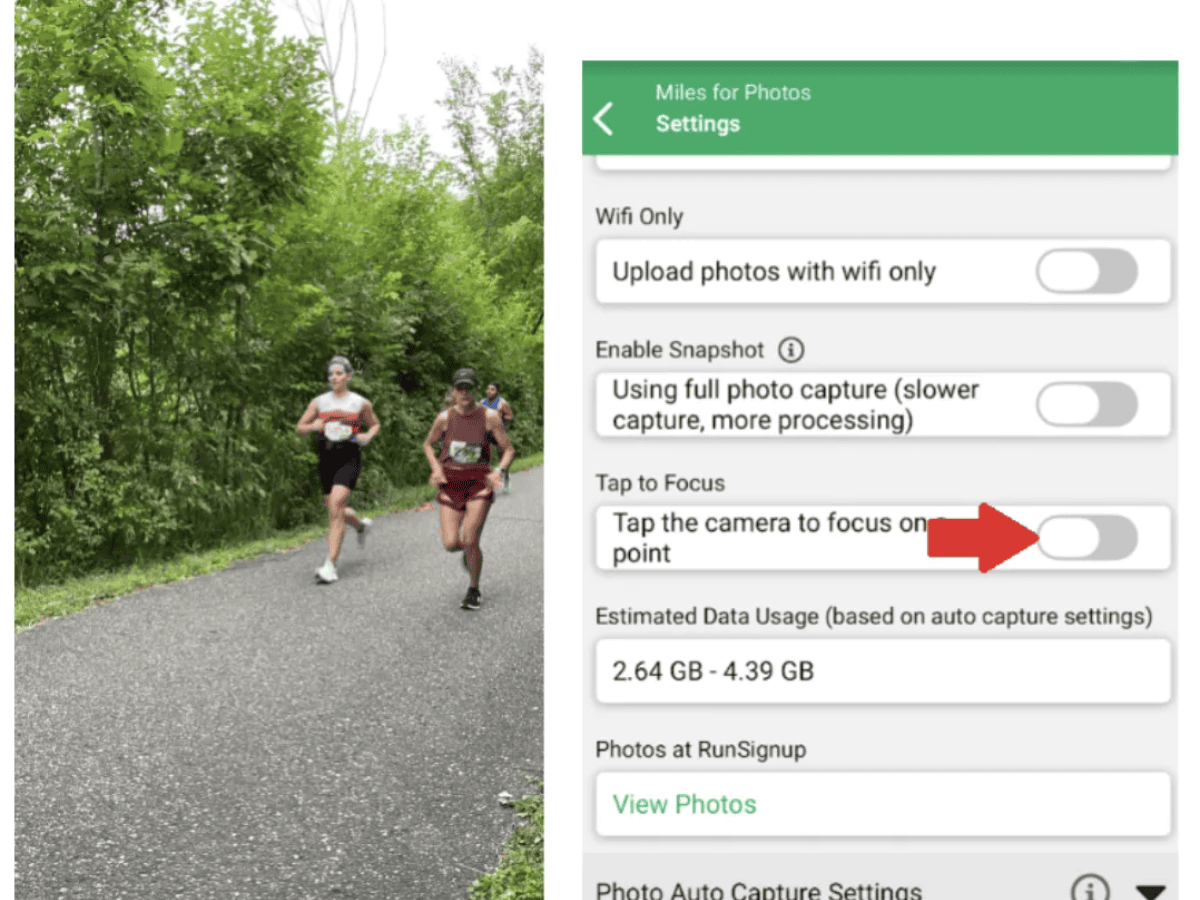
Urban Wildland Half Marathon & 5K – MTEC Results
Mike Erickson of MTEC Results set up two iPads beside MYLAPS side antennas at mile 10.5 to test photo-based timing as a standalone split.
- Photos Captured: 5,644
- Runners Tagged: 88.7%
- Each Device Alone: 75–77%
Dig Deeper into Photo-Based Timing
See how it works, how timers set it up and what we learned in the field.
Introducing Photo-Based Timing
Photo-Based Timing FAQ
Photo-Based Timing Reads for Timers
Photo-Based Timing Field Test
Photo-Based Tracking & Timing Webinar
Download RaceDay Mobile
RaceDay Scoring and RaceJoy Certifications
Watch the Photo-Based Timing Series
Add a Photo Checkpoint to Your Next Race
Race Directors: Ask your timer to add a photo checkpoint for splits, tracking and photos.
Timers: Photo-based timing reads are available to RaceDay Scoring Certified Timers using the free RaceDay Mobile app.
FAQ: All About Photo-Based Timing
Can I score my race with photo-based timing alone?
What equipment do I need?
How are photos tagged?
How many devices should I use at a photo point?
Will photo reads override my chip data?
Does it work with RaceJoy and text alerts?
Can I use it on an announcer line?
What does it cost?
The Latest Blogs on Photo-Based Timing
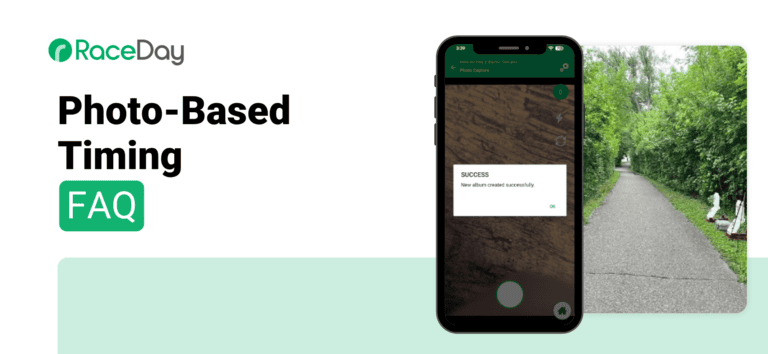
Photo-Based Timing FAQ
There has been a lot of content recently about Photo-Based Timing, from blogs, field tests, webinars, to folks out there using it and sharing their feedback. From all of these sources we’ve put together a Photo-Based Timing FAQ on the subject of…
Read More
From Five Vendors to One: How FRESHJUNKIE Racing Built a 50,000-Runner Portfolio on RunSignup
Mike Wattigny didn’t set out to run a five-state race portfolio. He got into endurance sports as a triathlete, and the love of the sport pulled him into volunteering, then into producing his own mountain bike races in Louisiana in the late…
Read More
Manage Race Photos in Bulk: Select, Delete, and Add to Album
Uploading thousands of race photos is easy. Sorting through them afterward takes longer than it should. You can now select multiple photos in the photo viewer and delete them or add them to another album in a single action. Where to find…
Read More
New Photo-Based Timing Field Test
RunSignup’s new photo-based timing turns bib-tagged race photos into timing reads. Snap a photo in RaceDay Mobile, and a bib number and timestamp flow straight into a stream in RaceDay Scoring. This new feature serves as a powerful supplement to chip timing,…
Read More
NEW: Photo-Based Timing Reads for Timers
We are excited to announce our new photo-based timing solution that puts big-race technology within reach of every race budget. Using phones or tablets you already have on hand, you can help your races deliver the real-time data and finish line coverage…
Read More
Introducing Photo-Based Timing
We are excited to announce our new photo-based timing solution that puts big-race technology within reach of every race budget. Using phones or tablets you already have on hand, your race can now deliver the real-time data and finish line coverage once…
Read More
RaceDay Mobile Version 6 is Now Available
The RaceDay Mobile version 6 is now available. This release is a major update with a host of improvements and includes a rebranding, previously known as RaceDay Mobile Timing app. The new name reflects the app’s expanded role on race day. Beyond backup or manual…
Read More
Improved Results V2 (and Photos V3): The Rollout Begins
RunSignup’s improved Results V2 (and Photos V3) is starting to roll out this week with the beginnings of a new Overview page. As usual, this will be a series of incremental improvements released over the next several months. Results V2 Overview Page…
Read More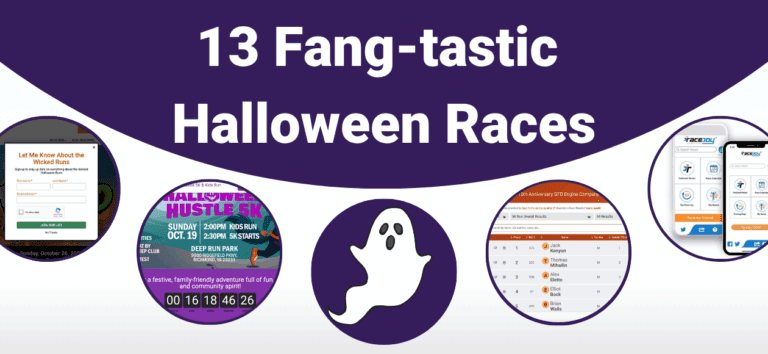
13 Fang-tastic Halloween Races
It’s the most boo-tiful time of the year, and our customers are leaning into the Halloween spirit. From polished Website V2 pages to RaceJoy live tracking, timely results, and photo galleries, these 13 events show how RunSignup features inform participants and drive…
Read More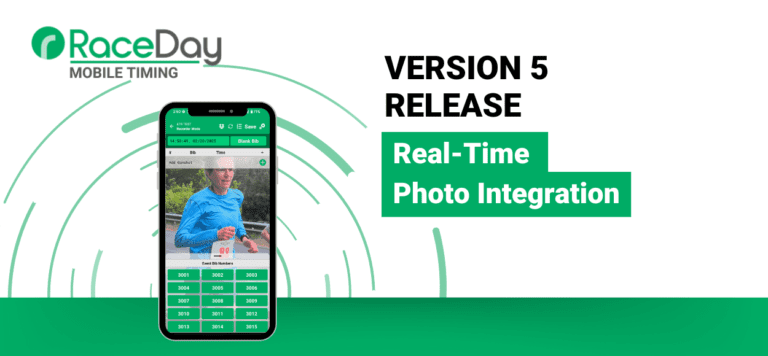
Photo Auto Capture Options Now Available for RaceDay Mobile Timing!
We are excited to announce the release of a highly-requested feature for the RaceDay Mobile Timing App: automated photo capture. This new functionality allows you to automatically take photos at set intervals over a defined period, making it easier than ever to…
Read More
2026 Timer Education Summit
JANUARY 27-28 in TAMPA Elevating Timer Skills, Technology & Community RunSignup is hosting its 2026 Timer Education Summit January 27-28, 2026 at the University of South Florida Health CAMLS facility in Tampa, Florida. This year’s summit continues RunSignup’s commitment to helping timers…
Read More
Mobile Timing App’s Photos Data Usage
We’ve had a few questions from timers and race organizers about how much mobile data is used when uploading photos through RunSignup’s RaceDay Mobile Timing App. When capturing and uploading hundreds of participant photos, especially over a cellular connection, even small file sizes…
Read More