

Website V2 is now the default for new races, and more and more races with Legacy Websites are upgrading to access the new features available with a Website V2. Learn how easy it is to create your custom race website with the RunSignup Race Website Builder.
What Do I Need to Do to Use Website V2?
New Races: If you just created a new race, nothing! You’re already setup on Website V2 and can jump directly to the customizations.
Existing Races with Legacy Websites: If you have a website that was on a Legacy Website, we recommend working on copying your style and content over to Website V2 first, and then toggling your website version to V2 by navigating to Website V2 >> Settings.
When you toggle on Website V2, it will immediately change the public version of the site to V2. You can toggle back and forth as much as you need – don’t panic if you turn on V2 and then realize you forgot a key update. Simply toggle the Website V2 off to bring back your Legacy Website until you’re ready to finalize the switch.

Branding Your Website
To make your website your own, set your own custom branding. You can find this at Website V2 >> Race Theme V2, or from the “Customize Your Theme” button at the top right of your Website Builder. This is your opportunity to infuse your race website with the personality and style of your event.
Brand Customizations Include:
- Color Scheme: Choose from recommended color schemes, or create a custom color scheme.
- Logo: Add a custom logo and/or a favicon to brand your race
- Homepage Banner Image: Customize the image at the top of your homepage by adding your own image or video and selecting a layout.
- Page Banner Image: Add an image to use as the banner on additional pages, opt for a text-only banner, or remove page banners entirely.
- Font Theme: Select a set of stylized fonts that match the branding and personality of your event.
- Custom Footer: Add information to your footer and/or hide your logo or sponsor logos.
- Social Media: Add social media links for up to 8 platforms to quickly and easily add social links to your website.
- Custom Wording: Change the wording for key things on your page, such as “participant”, “bib”, and “Sign Up”.
You may have set some of these options in the Race Wizard as you created a race. Additionally some options (like color and logo) will transfer over from your Legacy Website.
Take a Tour of Your Website Branding Options
Introducing Your Website Builder
The RunSignup Website Builder makes building your RunSignup V2 race website a breeze. You can access it from Websites V2 >> Website Builder. This intuitive, point-and-click builder allows you to create pages, organize the layout on each page, and add fully custom content.
When you first open the builder, you will see a simple default layout. From there, you can build and customize your site using three main elements:
- Sections: To start adding content to a page, you first need to add a Section. Think of Sections as containers that allow you to organize your layout into one, two, three, or four columns, each with specific styling options.
- Components: These are the actual pieces of content you place inside your Sections. Components can be simple (like Text or Images) or dynamic features tied directly to your race data (like Event Tiles and Countdown Clocks). You can add one or multiple Components to any Section.
- Pages: The builder lets you organize your overall information into distinct pages. You can create fully custom pages, include automated System pages (like Results or Photos), and neatly arrange everything using Dropdown Menus.
Take a Tour of Your Website Builder
Why Should You Use Website V2?
If you have a Legacy Website, and you’re looking for reasons to make the move to Website V2, we have a few compelling reasons that the move is worthwhile.
- More custom, professional look. This one’s simple: Website V2 is significantly more customizable, making your race website look like a real race website, not just a registration page.
- More functional. With a simplified interface for adding menu items and pages, it’s faster than ever to build out new website content. This means you can provide participants and potential participants (and Google, and AI) with ALL the information they need about your event.
- Easier to use. Like everything, it can take a minute to learn the ropes of Website V2. But once you start, you’ll find the intuitive design and visual guidance makes edits and updates a snap.
- Automated Customer Support with the RunSignup AI Chatbot. The RunSignup AI Chatbot can answer common race questions for you, reducing your email inbox by up to 80%. But AI Chatbot’s are only available when a race uses the FAQ component, which requires Website V2.
Still need some convincing? Check out a few of our favorite V2 websites below, and get inspired to build out your own website.
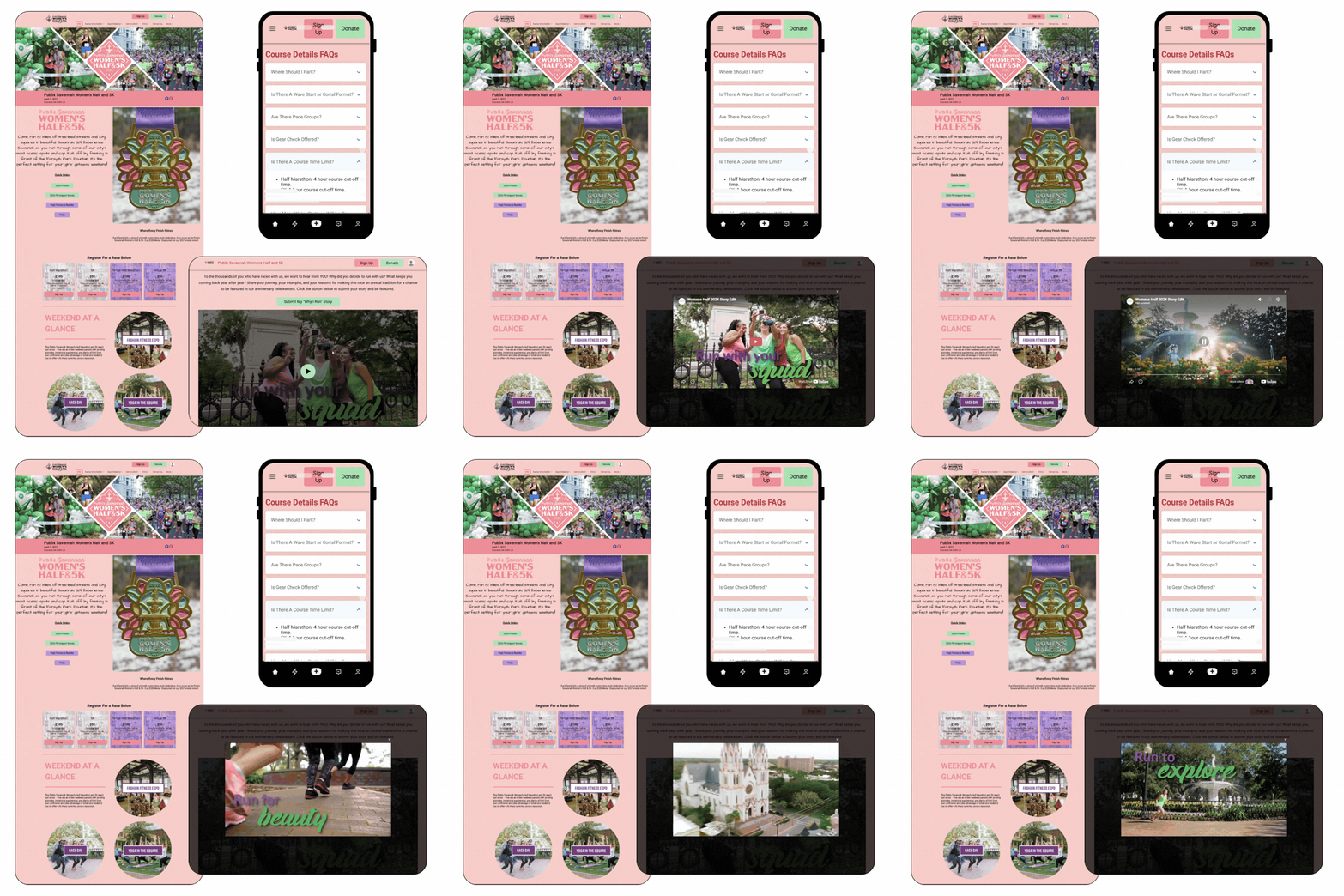
Publix Savannah Women’s Half & 5K
Three reasons we love it:
- Consistent use of colors, with an eye-catching background color.
- Variety in column numbers and image styles for visually pleasing homepage.
- Integration of video footage directly on the race website.
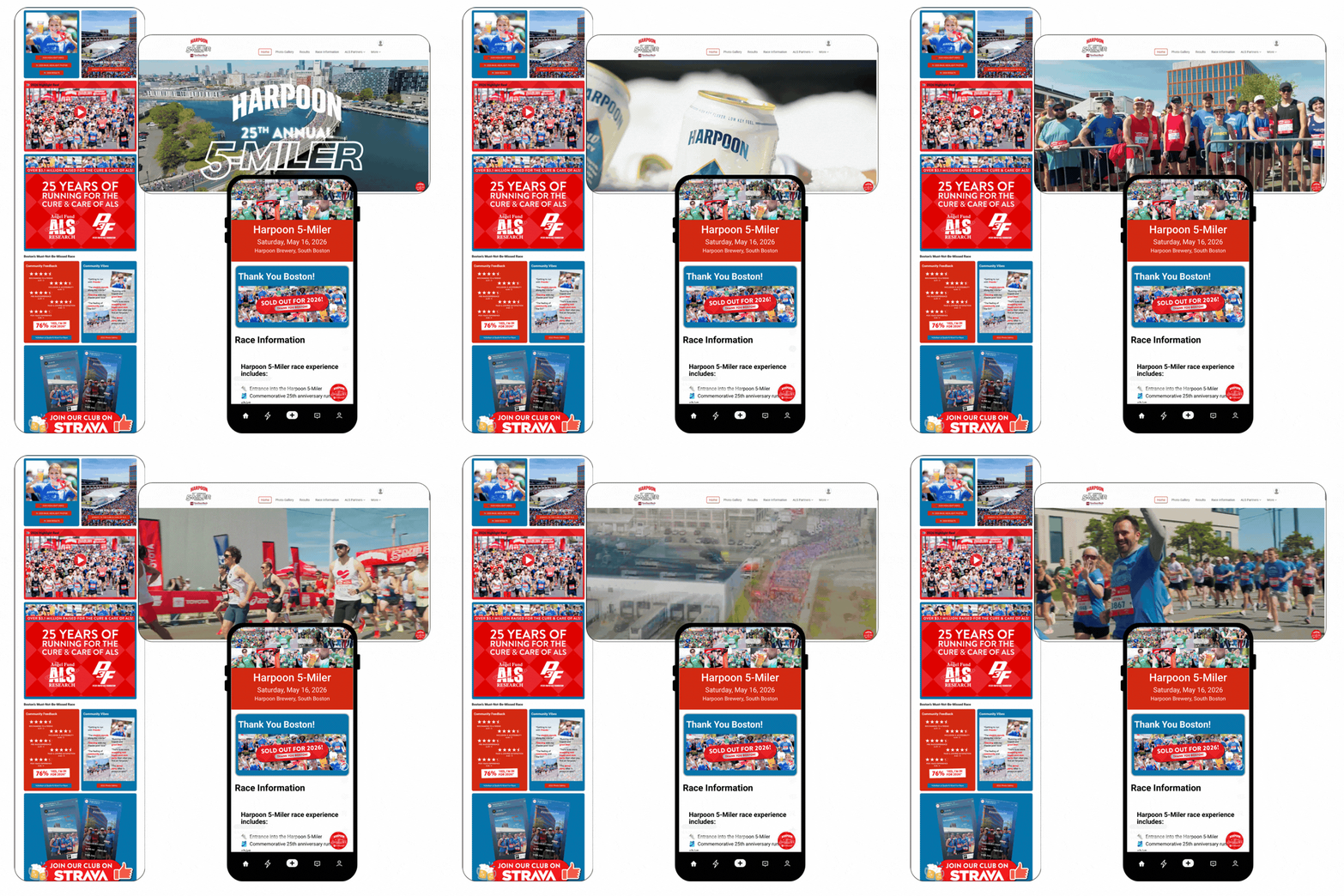
Harpoon 5 Miler
Three reasons we love it:
- Eye-catching, dynamic Video Banner grabs attention as soon as you get to the page.
- Bold, brand-recognizable color scheme throughout.
- Use of emoji’s for a laid-back, fun vibe.
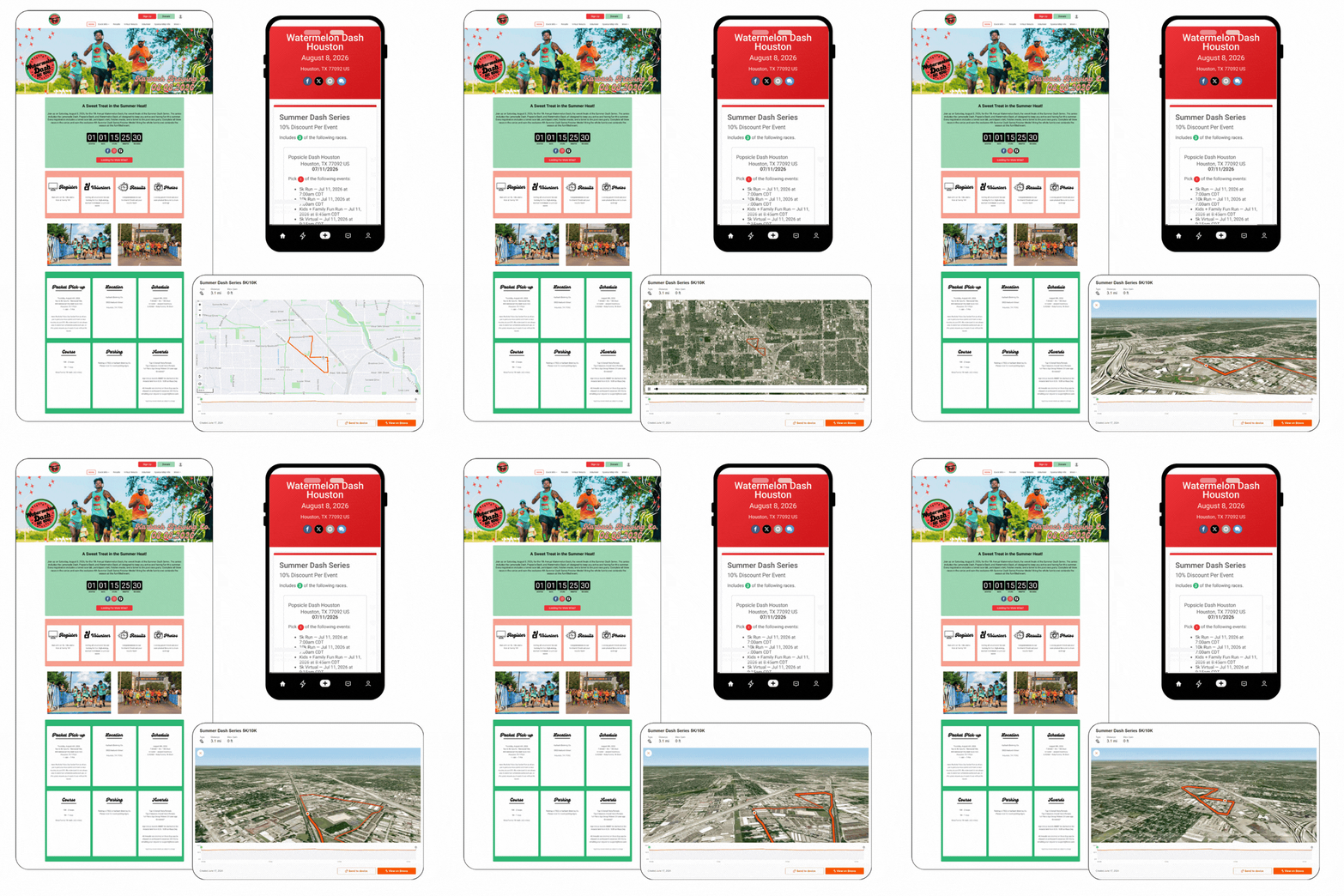
Watermelon Dash Houston
Three reasons we love it:
- Watermelon colors for a Watermelon race.
- Creative use of Cards Component for a clean layout with key race day details.
- Interactive Strava Component to take potential participants inside the race.
Tough Mountain Challenge
Three reasons we love it:
- Full-Heigh Homepage Banner for a modern design.
- Custom Fonts selected to personalize and brand the race.
- Divider components to visually separate the content on the homepage.

Stan’s Donut Race
Three reasons we love it:
- Donation goal thermometer integrated into the race Homepage.
- Cards Component for a branded section with race details.
- Includes multiple calls to action and reasons to engage.

39th Annual The Ben to the Shore Bike Tour
Three reasons we love it:
- Clean, simple design with bold colors and strong imagery.
- Dynamic, data-driven fundraising component for a real-time Leaderboard.
- Significant Rider information, including Runner Tracking via RaceJoy.
